OnlyFans Geoblocking: Complete Guide to Blocking Countries and Protecting Privacy
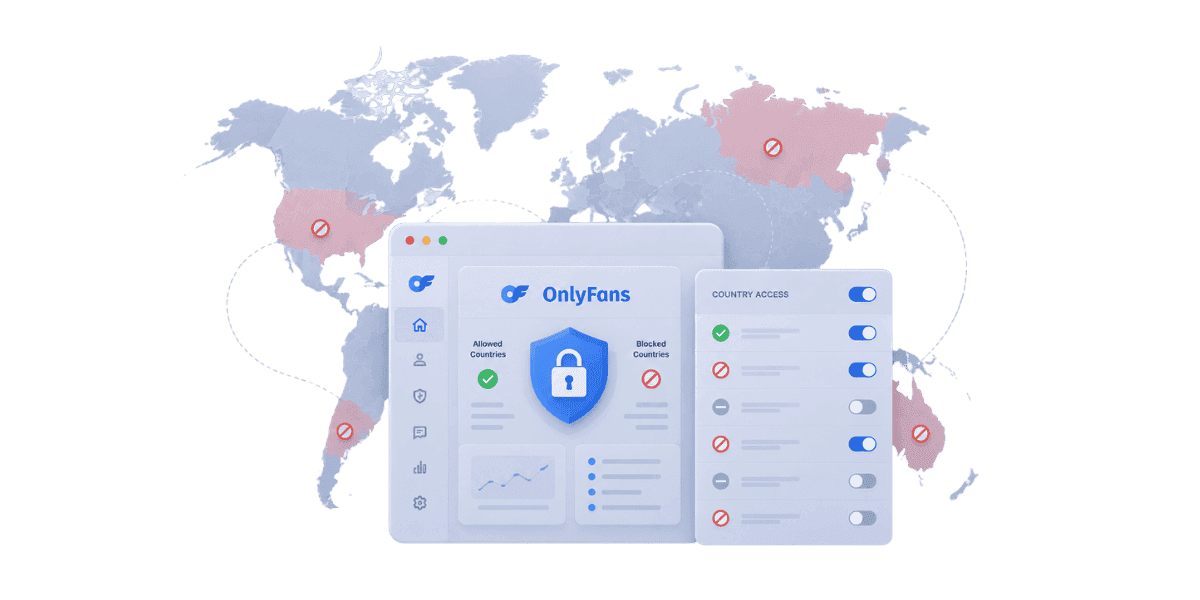
OnlyFans geoblocking lets creators block specific countries from accessing their profile, providing a powerful privacy protection layer against local discovery.
In this article
OnlyFans geoblocking is a built-in privacy tool that lets you hide your profile from specific countries, preventing family members, coworkers, or acquaintances from discovering your page while still reaching subscribers everywhere else. The fear of unintended exposure creates real anxiety and even prevents talented creators from launching their pages. This guide covers everything you need to know about setting up and strategically using geoblocking to protect your identity.
What Is OnlyFans Geoblocking and How Does It Work?
Geoblocking is a technology that restricts access to online content based on the user's geographic location. OnlyFans implements this feature by checking the IP address of anyone attempting to view your profile and comparing it against your blocked regions list. If the viewer's IP address originates from a country you have blocked, they are unable to see your profile, content, or even your page's existence in search results.
IP-Based Location Detection
The geoblocking system works by analyzing the IP address assigned to each visitor's internet connection. Internet service providers assign IP addresses that correspond to specific geographic regions, allowing OnlyFans to determine with reasonable accuracy where a visitor is located. When someone from a blocked country attempts to access your profile, they receive a generic message indicating the content is unavailable in their region. The system processes this check in real time, meaning any changes you make to your geoblocking settings take effect immediately for new visitors.
What Geoblocking Hides and What It Does Not?
When geoblocking is active for a specific country, users in that location cannot see your profile page, your content posts, your bio or profile picture, or your presence in OnlyFans search results. However, geoblocking does not remove your content from the internet entirely. If someone has already downloaded or screenshotted your content before you enabled geoblocking, those copies remain in their possession. Geoblocking also does not affect third-party sites that may have indexed or reposted your content. Understanding these limitations helps you set realistic expectations about what geoblocking can and cannot accomplish as a privacy measure.
Geoblocking vs Account-Level Privacy Settings
Geoblocking is just one component of the broader privacy toolkit available to OnlyFans creators. It works alongside other settings like profile visibility options, watermarking, and username choices. While geoblocking controls who can see your profile based on location, other privacy settings control discoverability, searchability, and content protection. For comprehensive identity protection, you should combine geoblocking with other measures detailed in guide on how OnlyFans protects your identity. Using multiple privacy layers simultaneously provides much stronger protection than relying on any single feature.
How to Enable Geoblocking on Your OnlyFans Account?
Setting up geoblocking on OnlyFans is straightforward, but understanding the process and its options ensures you configure it correctly the first time.
Step-by-Step Setup Process
To enable geoblocking, log in to your OnlyFans creator account and navigate to your profile settings. Look for the privacy or security section where you will find the geoblocking option. From there, you can select individual countries from a comprehensive list of nations. Check the box next to each country you want to block, then save your changes. The blocking takes effect immediately for new visitors, though users who are already viewing your page may continue to see it until their session expires. You can modify your blocked countries list at any time by returning to the same settings page and adding or removing countries as needed. OnlyFans blocks on a country-by-country basis, if you want to block an entire continent, select each country individually. After setup, test by connecting via VPN from a blocked country, if configured correctly you will see a content unavailable message.
Which Countries to Block and Why?
Choosing which countries to block requires balancing privacy protection with revenue potential. Each blocked country represents both increased privacy and lost potential subscribers. Making informed decisions about your block list is crucial.
Blocking Your Home Country
The most common geoblocking strategy is to block your home country. This prevents people in your immediate geographic area from stumbling upon your profile while browsing OnlyFans. For many creators, this single step eliminates the most significant privacy risk since the people most likely to recognize you are those who live nearby. The trade-off is losing potential subscribers from your home market, but most creators find the privacy benefit far outweighs the revenue impact. If your home country represents a large market like the United States or United Kingdom, consider whether the privacy benefit justifies blocking a significant portion of potential subscribers.
Neighboring Countries and Travel Destinations
Beyond your home country, consider blocking neighboring nations where people you know might reside or travel frequently. If you live near a border, people in the adjacent country may share social circles with you. Similarly, if there are specific countries where your family members or close acquaintances live, adding those to your block list provides additional protection. Think about countries you travel to regularly as well, since someone recognizing you at a resort or business destination is a real possibility if they can link your travel schedule to your content. Some creators also block countries where adult content is heavily regulated, adding a layer of legal risk reduction alongside privacy protection.
Privacy Protection Through Strategic Geoblocking
Geoblocking becomes most effective when used as part of a comprehensive privacy strategy rather than a standalone solution. Strategic implementation maximizes your protection while minimizing the impact on your earning potential.
Combining Geoblocking with Identity Protection Measures
For maximum privacy, pair geoblocking with other identity protection techniques. Use a stage name that is completely unrelated to your real name. Avoid showing identifiable locations, landmarks, or personal items in your content. Use a separate email address and phone number for your OnlyFans account.
Using Geoblocking to Manage Professional Risk
Many creators maintain professional careers alongside their OnlyFans presence. Geoblocking helps manage the risk of professional discovery by ensuring colleagues, clients, and industry contacts in your professional sphere cannot access your creator profile. If your professional network spans multiple countries, adjust your block list accordingly. Some creators in sensitive professions like healthcare, education, or government service block entire regions where their professional activities have footprint. The goal is to create geographic separation between your professional identity and your creator persona. Creators whose content does not reveal their identity may need less aggressive blocking. Review your content portfolio regularly and adjust as your approach evolves. Creators who maintain a professional career alongside OnlyFans should also review is OnlyFans anonymous for subscribers, understanding what subscribers can see about each other also affects how discoverable your page is within professional networks.
Limitations of OnlyFans Geoblocking and VPN Bypass
While geoblocking is a valuable privacy tool, it is important to understand its limitations so you do not develop a false sense of security. Several technical and practical factors can reduce its effectiveness.
VPN and Proxy Bypass Methods
The most significant limitation of geoblocking is that it can be bypassed using a virtual private network or proxy service. A VPN masks the user's real IP address and replaces it with one from a different country, effectively making it appear as though the user is in an unblocked region. VPN usage is widespread and increasingly easy, meaning technically savvy individuals in your blocked countries can still access your profile if they are motivated to do so. While casual browsers are unlikely to use a VPN specifically to find OnlyFans profiles, someone who suspects you are a creator and wants to confirm could use this method. Mobile users near national borders may also receive IP addresses from neighboring countries, creating occasional gaps in geoblocking coverage. Creators concerned about determined individuals bypassing geoblocking should strengthen their overall security with the practices outlined in how to protect your OnlyFans account from hacking, account security and geographic privacy reinforce each other.
Content Redistribution Outside the Platform
Geoblocking only controls access on OnlyFans itself, leaked content posted on forums or social media is unaffected. Combine geoblocking with active content monitoring and a fast OnlyFans DMCA takedown service to minimize exposure when content spreads beyond the platform. If leaked content is being used to harass you, the recovery steps in what to do if your OnlyFans content is leaked apply regardless of whether geoblocking was active.
Geoblocking vs Content Restriction on OnlyFans
Creators sometimes confuse geoblocking with content restriction features. While both limit who can see what, they operate differently and serve distinct purposes. Understanding the difference helps you use each tool appropriately.
How Content Restrictions Differ from Geoblocking?
Content restriction tools on OnlyFans allow you to control access to specific posts or content categories, typically through paywalls, tip locks, or subscriber tier requirements. These restrictions are based on the user's subscription or payment status rather than their geographic location. Geoblocking, by contrast, blocks entire profiles based on location regardless of payment status. A subscriber who pays for your content but is in a blocked country will still be unable to access your profile. This fundamental difference means geoblocking and content restrictions serve complementary but non-overlapping purposes. Use geoblocking for location-based privacy and content restrictions for monetization control, both can run simultaneously for maximum effect.
Impact on Revenue and Growth Strategy
Every country you geoblock represents potential subscribers you cannot reach. Before blocking a country, check your subscriber analytics to understand what percentage of your audience comes from that region — model the financial impact using the ROI calculator to quantify the trade-off between privacy and earnings before deciding. If you are considering blocking a country that represents a significant portion of your revenue, weigh the privacy benefit against the financial impact carefully. Some creators find a middle ground by blocking only their home country and relying on other privacy measures like stage names and identity protection techniques for broader coverage.
Using OnlyFans Geoblocking Effectively
OnlyFans geoblocking is a powerful privacy tool, but it works best as one layer in a broader strategy. Combine it with stage names, content watermarking, and active monitoring, and review your settings regularly as your circumstances change. VPN bypass and content redistribution are real limitations that geoblocking alone cannot solve.
Want comprehensive content protection that goes beyond geoblocking? Join Enforcity to monitor the web for leaked content and automate DMCA takedowns.
Protect Your Content
- 24/7 leak detection
- Automated DMCA takedowns
- OnlyFans-specific protection
- Real-time monitoring alerts
Frequently Asked Questions
Couldn't find an answer?

Emily
Digital Content Strategist
Emily is a digital content protection specialist with over 5 years of experience helping creators safeguard their work online. She specializes in DMCA enforcement and platform-specific takedown strategies.
Protect Your Content
- 24/7 leak detection
- Automated DMCA takedowns
- OnlyFans-specific protection
- Real-time monitoring alerts
Related Articles

How to Withdraw Money from OnlyFans: A Human-Friendly Guide for Creators
Learn how to withdraw money from OnlyFans with this complete guide. Discover payout options, processing times, common issues, and how to keep your earnings secure.
Read Post
Wheelchair OnlyFans Success Guide
Discover how disabled creators thrive on OnlyFans, breaking stereotypes, inspiring communities, and promoting inclusivity. Learn Wheelchair OnlyFans niche details.
Read Post
What You Need to Know Before Starting OnlyFans: Essential Tips and Strategies
Thinking about joining OnlyFans? Discover What You Need to Know Before Starting OnlyFans? Essential tips, strategies, and insights to maximize your success, protect your content, and grow your fanbase effectively. Start your journey with confidence!
Read PostFree Resources

Protecting Your Mental Wellness
Mental health essentials for content creators.

Ultimate Handbook for OnlyFans Creators
Comprehensive resource for all aspects of OnlyFans success.

How to Safeguard Your 🌶️ Content?
How to safeguard your digital content across multiple platforms.

How to Stay Safe as a Creator?
Essential safety tips for content creators.

What Every Creator Needs to Know About Their Rights?
Legal basics and rights for creators.

How to Protect Your Creativity?
A must-have guide for OnlyFans creators.

Glossary for Content Creators
Key terms every content creator should know.

Content Security Checklist for Maximum Profit
Checklist for securing content and optimizing earnings.

How to Stop Leaks Instantly?
Protect your work, take control, and prevent unauthorized sharing across platforms instantly.