How to Avoid Content Rejection on OnlyFans: Complete Guide
How to avoid content rejection on OnlyFans by understanding the platform's content policies, community guidelines, and upload requirements.
In this article
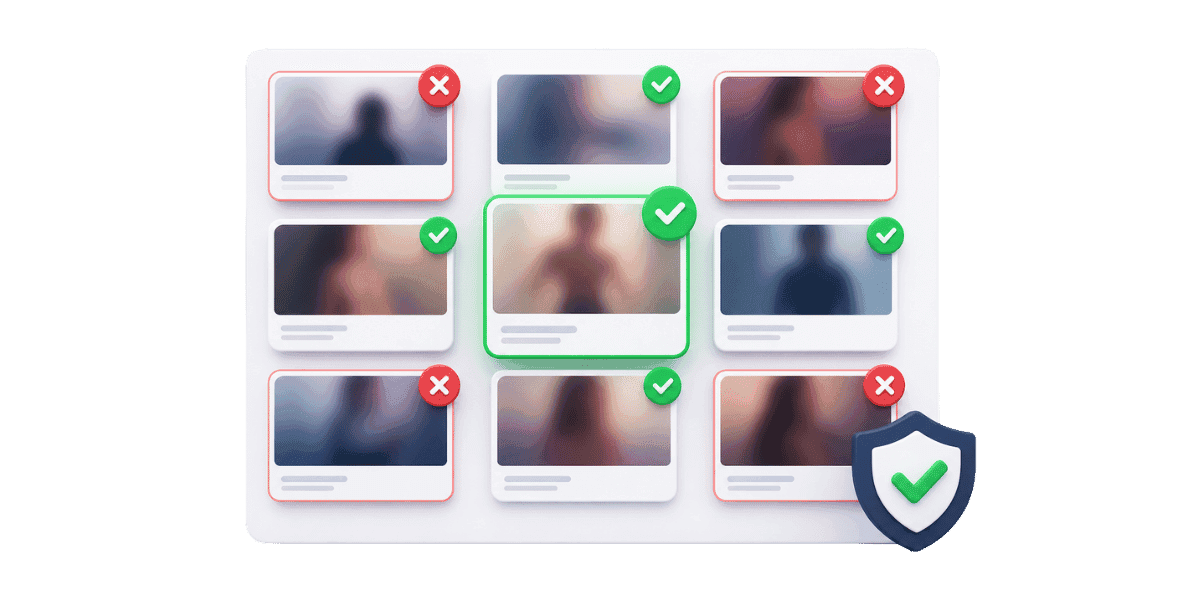
OnlyFans content rejection happens for predictable reasons — and understanding each one lets you fix the issue before uploading rather than after, saving time and protecting your account standing. Understanding why rejections happen and how to prevent them saves you time, protects your account standing, and ensures your subscribers receive a consistent content experience. This guide covers every common rejection reason and how to avoid each one.
Understanding OnlyFans Content Review Process
OnlyFans uses a combination of automated systems and human review to screen content before it goes live. Understanding how this process works helps you create content that passes review on the first upload.
Automated Screening Systems
OnlyFans employs AI-powered content moderation that scans images and videos for policy violations before they are published. These systems check for banned content categories, age verification compliance, and prohibited visual elements. The automated system can flag content for human review if it detects borderline material. Content that passes the automated check typically goes live within minutes — but creators who repeatedly trigger flags should review the full OnlyFans terms of service to identify which content patterns are causing the issue.
Human Review Triggers
Certain types of content are automatically flagged for manual human review. This includes content with multiple people, content featuring props that could be misinterpreted as prohibited items, and content uploaded by accounts with previous violations. Human review takes longer than automated screening, sometimes 24 to 48 hours. If your content frequently gets flagged for human review, examine the common elements and adjust your content creation approach to reduce false positives. The most effective way to reduce human review frequency is to keep your content simple and unambiguous — avoid props, costumes, or settings that could be misinterpreted, even if your intent is clearly within policy. Accounts with clean violation histories are far less likely to be flagged for manual review on borderline content.
Common Reasons for Content Rejection
Most content rejections fall into predictable categories. Knowing these categories lets you self-check your content before uploading.
Banned Words in Captions and Messages
OnlyFans maintains a list of banned and restricted words that trigger automatic rejection when used in post captions, messages, or profile descriptions. Even words that seem harmless in context can trigger the filter. Check the list of banned words on OnlyFans before writing your captions — many creators are surprised to find common terms on the list that they use casually without realizing they trigger automated rejection.
Missing or Invalid Model Release Forms
Any content featuring other people requires proper documentation. OnlyFans requires model release forms and identification verification for every person appearing in your content. If you upload collaborative content without the proper releases on file, the content will be rejected. Ensure all collaborators have completed their verification through OnlyFans before the content goes live. This applies even to partially visible individuals in the background of your content.
Technical Quality Issues
While OnlyFans does not reject content purely for low quality, certain technical issues can trigger rejection. Extremely low resolution images, corrupted video files, unsupported file formats, and files exceeding the maximum size limit will all be rejected. OnlyFans supports JPEG, PNG, GIF, and BMP for images, and MP4 and MOV for videos. Maximum file sizes are 50MB for images and currently 5GB for videos. Ensure your content meets these technical specifications before uploading. Before uploading large video files, compress them using tools like HandBrake or Adobe Media Encoder to stay within size limits without significant quality loss. Always preview exported files on your phone before uploading — display issues that are invisible on desktop often become obvious on mobile, which is where the majority of your subscribers will view your content.
Content Policy Guidelines You Must Follow
OnlyFans has specific content policies that creators must follow. Violations result in content rejection, account warnings, or permanent bans depending on severity.
Prohibited Content Categories
OnlyFans strictly prohibits certain content categories regardless of context. These include content involving minors or anyone appearing to be under 18, non-consensual content or content depicting simulated non-consent, content depicting illegal activities, content involving animals, and content that promotes violence or harm. Our detailed guide on OnlyFans content policies and illegal activity covers these rules comprehensively. Even artistic or educational content that touches on these categories may be rejected.
Intellectual Property Violations
Content that includes copyrighted material owned by others will be rejected. This includes background music in videos, visible brand logos, copyrighted artwork, and content from other creators. Use royalty-free music and ensure your environment does not prominently feature copyrighted material. If you use background music, either create original audio, purchase a commercial license, or use royalty-free music libraries.
Best Practices for Smooth Content Uploads
Following these best practices minimizes rejection risk and ensures a smooth upload experience.
Pre-Upload Content Checklist
Before uploading any content, run through this checklist: verify file format and size are within limits, check captions for banned words, ensure all visible individuals have model releases on file, remove or blur any copyrighted material in the background, confirm the content does not depict any prohibited categories, and verify your account verification is current. This systematic check takes minutes but prevents hours of dealing with rejections and re-uploads.
Optimizing Video and Image Files
Optimize your files before uploading to avoid technical rejections. Export videos in MP4 format with H.264 encoding, which is universally supported. Keep image resolution between 1080p and 4K for the best balance of quality and file size. Compress large video files using tools like HandBrake to stay within size limits without significant quality loss. Test uploads with a small batch first if you are using new recording equipment or software to catch any format issues early.
Caption Writing Tips to Avoid Flags
Write captions that are engaging without using triggering language. Use creative descriptions and euphemisms when necessary rather than explicit terms that might be on the banned list. Avoid hashtags that contain banned words even if the hashtag itself is commonly used on other platforms. Read your captions aloud before posting to catch anything that could be misinterpreted. Creators who want to improve their caption quality while staying compliant can use an OnlyFans caption generator to craft engaging descriptions that avoid common flag triggers.
What to Do When Your Content Gets Rejected?
Even with careful preparation, rejections can still happen. Knowing how to respond effectively gets your content published faster.
Understanding Rejection Notifications
OnlyFans provides a reason code or description with each rejection. Read these carefully to understand exactly what triggered the rejection. Common reason codes include policy violation, content under review, technical error, and verification required. The reason code tells you whether you can fix and re-upload the content or whether it is permanently prohibited. Do not repeatedly re-upload rejected content without addressing the underlying issue, as this can trigger account-level restrictions.
Appealing False Rejections
If you believe your content was rejected in error, contact OnlyFans support with the specific post details, the rejection reason, and a clear explanation of why you believe it complies. Include any supporting documentation such as model releases. OnlyFans support typically responds within 48 to 72 hours. Creators who have experienced account-level restrictions alongside content rejections should also review the how to get unbanned from OnlyFans process — repeated rejections can escalate to account suspensions if not addressed correctly.
Staying Compliant While Growing Your Page
Avoiding content rejection on OnlyFans comes down to understanding the platform's policies, preparing your content carefully, and maintaining good account standing. Use the pre-upload checklist, avoid banned words, ensure all collaborator documentation is current, and optimize your files technically. When rejections do happen, address the root cause before re-uploading and use the appeals process for false positives. Consistent compliance protects your account and ensures your subscribers receive uninterrupted access to your content.
Looking to streamline your OnlyFans content strategy? Start with Enforcity to protect the content you work hard to create and keep it exclusively on your terms.
Protect Your Content
- 24/7 leak detection
- Automated DMCA takedowns
- OnlyFans-specific protection
- Real-time monitoring alerts
Frequently Asked Questions
Couldn't find an answer?

Emily
Digital Content Strategist
Emily is a digital content protection specialist with over 5 years of experience helping creators safeguard their work online. She specializes in DMCA enforcement and platform-specific takedown strategies.
Protect Your Content
- 24/7 leak detection
- Automated DMCA takedowns
- OnlyFans-specific protection
- Real-time monitoring alerts
Related Articles
How to Withdraw Money from OnlyFans: A Human-Friendly Guide for Creators
Learn how to withdraw money from OnlyFans with this complete guide. Discover payout options, processing times, common issues, and how to keep your earnings secure.
Read Post
Wheelchair OnlyFans Success Guide
Discover how disabled creators thrive on OnlyFans, breaking stereotypes, inspiring communities, and promoting inclusivity. Learn Wheelchair OnlyFans niche details.
Read Post
What You Need to Know Before Starting OnlyFans: Essential Tips and Strategies
Thinking about joining OnlyFans? Discover What You Need to Know Before Starting OnlyFans? Essential tips, strategies, and insights to maximize your success, protect your content, and grow your fanbase effectively. Start your journey with confidence!
Read PostFree Resources
Protecting Your Mental Wellness
Mental health essentials for content creators.
Ultimate Handbook for OnlyFans Creators
Comprehensive resource for all aspects of OnlyFans success.
How to Safeguard Your 🌶️ Content?
How to safeguard your digital content across multiple platforms.

How to Stay Safe as a Creator?
Essential safety tips for content creators.

What Every Creator Needs to Know About Their Rights?
Legal basics and rights for creators.

How to Protect Your Creativity?
A must-have guide for OnlyFans creators.

Glossary for Content Creators
Key terms every content creator should know.

Content Security Checklist for Maximum Profit
Checklist for securing content and optimizing earnings.

How to Stop Leaks Instantly?
Protect your work, take control, and prevent unauthorized sharing across platforms instantly.