How to Add Watermark on OnlyFans: Protect Your Content from Theft
How to add watermark on OnlyFans? Watermarking is one of the most effective strategies to deter content theft and identify the source of leaked material.
In this article
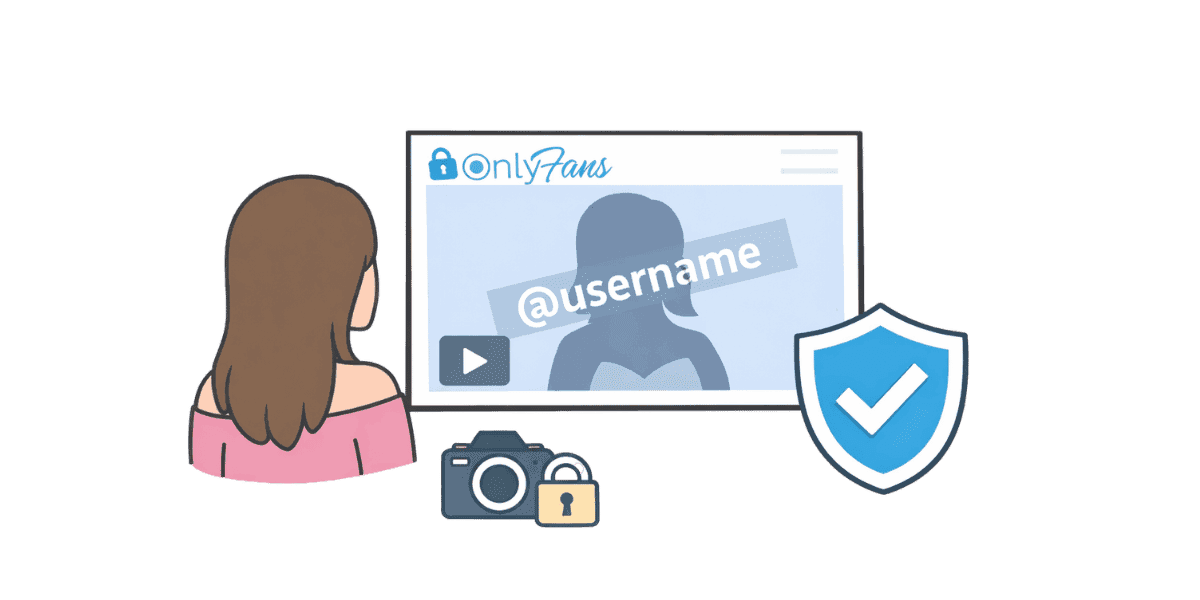
How to add watermark on OnlyFans? Watermarking is one of the most effective strategies creators can use to deter content theft and track the source of leaked material. While OnlyFans provides basic content protection features, adding custom watermarks gives you an additional layer of security that persists even if your content is downloaded and shared without permission. This guide covers everything from choosing the right watermark type to advanced techniques for maximum protection.
Why Watermarking OnlyFans Content Matters?
The Reality of Content Theft on OnlyFans
Content theft is one of the most significant challenges facing OnlyFans creators. Despite platform protections, subscribers can capture content through screenshots, screen recordings, and browser-based download tools. Once content leaves the OnlyFans platform, it can spread rapidly across piracy sites, social media, and messaging apps. Watermarking provides a deterrent that discourages theft and helps identify the source when leaks occur.
Understanding the full scope of stolen OnlyFans content issues helps creators appreciate why proactive protection measures like watermarking are essential rather than optional.
How Watermarks Protect Your Content?
Watermarks serve multiple protective functions. Visible watermarks deter casual sharing by making stolen content less appealing to redistribute. They signal that the content is professionally produced and legally protected. When leaked content surfaces, watermarks help identify the original creator, making DMCA takedown requests more straightforward. Some advanced watermarks can even identify which specific subscriber captured the content.
Watermarking as Part of a Broader Strategy
Watermarking works best as part of a comprehensive content protection approach. Combined with OnlyFans screenshot protection measures, monitoring services, and DMCA enforcement, watermarks create a multi-layered defense system that significantly reduces the impact of content theft.
Types of Watermarks for Content Protection
Visible Watermarks
Visible watermarks are the most common and straightforward protection method. These include your username, logo, or brand mark overlaid directly on your content. The key is placing them strategically — visible enough to deter theft but positioned so they do not significantly detract from the viewing experience for paying subscribers. Common placements include corners, across the center at low opacity, or along the edges of the frame.
Invisible Digital Watermarks
Invisible watermarks (also called steganographic watermarks) embed hidden data within your image or video files without any visible change to the content. This data can include your creator ID, timestamps, or subscriber-specific information. While these watermarks do not deter theft visually, they provide powerful forensic evidence when tracking leaked content. Professional content protection services often use invisible watermarking technology to trace leaks back to specific accounts.
Dynamic Subscriber-Specific Watermarks
The most advanced watermarking technique involves embedding unique identifiers for each subscriber who views your content. If content is leaked, you can trace exactly which subscriber captured and shared it. While OnlyFans does not natively support this feature, some third-party tools and services offer this capability for creators who need maximum protection.
Best Tools for Watermarking OnlyFans Content
Free Watermarking Tools
Several free tools can add effective watermarks to your content. Canva offers watermark functionality with customizable text and logo overlays. GIMP (GNU Image Manipulation Program) provides advanced watermarking options for photos. For video content, DaVinci Resolve's free version includes text overlay features that work well as watermarks. These tools are ideal for creators just starting out who want basic protection without additional costs.
Professional Watermarking Software
For higher volume creators, dedicated watermarking software offers batch processing and advanced features. Adobe Photoshop and Lightroom provide comprehensive watermarking workflows for photos. Adobe Premiere Pro and Final Cut Pro offer professional video watermarking capabilities. These tools allow you to create templates that apply consistent watermarks across all content quickly and efficiently.
Mobile Apps for Quick Watermarking
Mobile apps like eZy Watermark, iWatermark, and Add Watermark on Photos allow creators to watermark content directly from their phones before uploading to OnlyFans. These apps are convenient for creators who produce content on mobile devices and want to add protection without transferring files to a computer. Most offer both text and image-based watermark options with customizable opacity and placement.
How to Apply Watermarks Without Ruining Quality?
Optimal Placement and Sizing
The best watermark placement balances visibility with minimal impact on content enjoyment. Place watermarks in areas that are difficult to crop out — avoid corners that can be easily trimmed. Use semi-transparent overlays (20-40% opacity) that are visible when looking for them but do not dominate the image. For video content, consider watermarks that move or change position periodically, making them harder to remove through editing.
Choosing the Right Opacity and Color
Watermark opacity should be high enough to survive compression and sharing but low enough to maintain content quality. White or light-colored watermarks work best on darker content, while dark watermarks suit lighter backgrounds. Some creators use watermarks that automatically adjust color based on the underlying content, ensuring visibility across different scenes and lighting conditions.
Maintaining Content Quality Standards
Your watermark should never significantly degrade the quality of your content. Paying subscribers expect high-quality material, and an intrusive watermark can lead to dissatisfaction and cancellations. Test your watermark approach by viewing watermarked content on different devices and screen sizes to ensure it looks professional. Remember that copyright on OnlyFans protects your content regardless of whether it is watermarked, but watermarks add practical enforcement value.
Advanced Watermarking Strategies
Layered Watermarking Approach
The most effective strategy combines multiple watermark types. Use a subtle visible watermark that subscribers can see, combined with an invisible digital watermark that provides forensic tracking. This dual approach deters casual sharing while also providing evidence for DMCA enforcement when more sophisticated theft occurs.
Watermarking for Different Content Types
Different content types require different watermarking approaches. Photos benefit from semi-transparent logo overlays in hard-to-crop positions. Videos should include watermarks that persist throughout the entire clip and resist simple editing removal. Audio content can include audio watermarks — subtle, inaudible tones embedded in the sound that identify the source. Live streams present unique challenges since content is captured in real-time.
Combining Watermarks with Copyright Registration
For maximum legal protection, combine watermarking with formal copyright registration. While your content is automatically protected by copyright law, registering your copyright provides additional legal benefits including the ability to seek statutory damages. Watermarked, registered content gives you the strongest possible position when pursuing content thieves through legal channels, as recommended by the U.S. StopFakes.gov initiative.
What to Do When Watermarked Content Gets Leaked?
Identifying and Documenting Leaks
When you discover leaked content, document everything before taking action. Screenshot the infringing pages with timestamps, note the URLs where your content appears, and if your watermark includes subscriber-specific information, identify the source of the leak. This documentation strengthens your DMCA takedown requests and provides evidence if legal action becomes necessary. Creators who want a full recovery checklist can refer to what to do if your photos get leaked for step-by-step guidance.
Filing DMCA Takedown Notices
Watermarked content makes DMCA enforcement more straightforward because your ownership claim is visually evident. Use a professional DMCA service for content creators to send legally valid removal requests to hosting providers, social media platforms, and search engines. Professional services handle the legal requirements and follow-up, significantly improving removal success rates compared to self-filed notices.
Ongoing Content Monitoring
Watermarking is most effective when combined with active content monitoring. Professional OnlyFans content protection services use automated tools to scan the internet for your watermarked content, alerting you to leaks and initiating takedown procedures automatically. This proactive approach catches leaks quickly before they spread widely. Creators serious about protection can also explore dedicated stop content theft services go beyond watermarking by actively monitoring and removing stolen content across the web.
Building Your Watermark Strategy
Effective watermarking is an essential component of any OnlyFans creator's content protection plan. The key takeaways for implementing a watermark strategy include:
- Use both visible and invisible watermarks for maximum protection
- Place watermarks strategically in positions difficult to crop or edit out
- Maintain content quality by using appropriate opacity levels
- Combine watermarking with copyright registration and DMCA enforcement
- Consider subscriber-specific watermarks for premium content
- Partner with professional content monitoring services for ongoing protection
Ready to add professional-grade protection to your content? Add professional protection with Enforcity's DMCA services and keep your watermarked content secure across the internet.
Protect Your Content
- 24/7 leak detection
- Automated DMCA takedowns
- OnlyFans-specific protection
- Real-time monitoring alerts
Frequently Asked Questions
Couldn't find an answer?

Emily
Digital Content Strategist
Emily is a digital content protection specialist with over 5 years of experience helping creators safeguard their work online. She specializes in DMCA enforcement and platform-specific takedown strategies.
Protect Your Content
- 24/7 leak detection
- Automated DMCA takedowns
- OnlyFans-specific protection
- Real-time monitoring alerts
Related Articles

How to Withdraw Money from OnlyFans: A Human-Friendly Guide for Creators
Learn how to withdraw money from OnlyFans with this complete guide. Discover payout options, processing times, common issues, and how to keep your earnings secure.
Read Post
Wheelchair OnlyFans Success Guide
Discover how disabled creators thrive on OnlyFans, breaking stereotypes, inspiring communities, and promoting inclusivity. Learn Wheelchair OnlyFans niche details.
Read Post
What You Need to Know Before Starting OnlyFans: Essential Tips and Strategies
Thinking about joining OnlyFans? Discover What You Need to Know Before Starting OnlyFans? Essential tips, strategies, and insights to maximize your success, protect your content, and grow your fanbase effectively. Start your journey with confidence!
Read PostFree Resources

Protecting Your Mental Wellness
Mental health essentials for content creators.

Ultimate Handbook for OnlyFans Creators
Comprehensive resource for all aspects of OnlyFans success.

How to Safeguard Your 🌶️ Content?
How to safeguard your digital content across multiple platforms.

How to Stay Safe as a Creator?
Essential safety tips for content creators.

What Every Creator Needs to Know About Their Rights?
Legal basics and rights for creators.

How to Protect Your Creativity?
A must-have guide for OnlyFans creators.

Glossary for Content Creators
Key terms every content creator should know.

Content Security Checklist for Maximum Profit
Checklist for securing content and optimizing earnings.

How to Stop Leaks Instantly?
Protect your work, take control, and prevent unauthorized sharing across platforms instantly.